
AI Living Room Design: Redesign Your Space in Seconds
The living room is the room you actually live in — and now you can redesign it before moving a single cushion. With ai living room design, you upload one photo, pick a style, and an AI returns a photorealistic makeover with a fresh furniture layout, color palette and lighting in seconds.
Under the hood, these tools work a lot like a trained eye scanning a room: they detect walls, windows, lighting angles and existing furniture straight from your photo, the same spatial reasoning that sits at the core of interior design as a discipline. The appeal is mostly financial — a human interior designer typically runs $2,000-8,000 per room, while an AI tool costs anywhere from nothing to $10-30 a month. That gap is why AI has become the default first step for anyone rethinking their living room.
What Is AI Living Room Design?
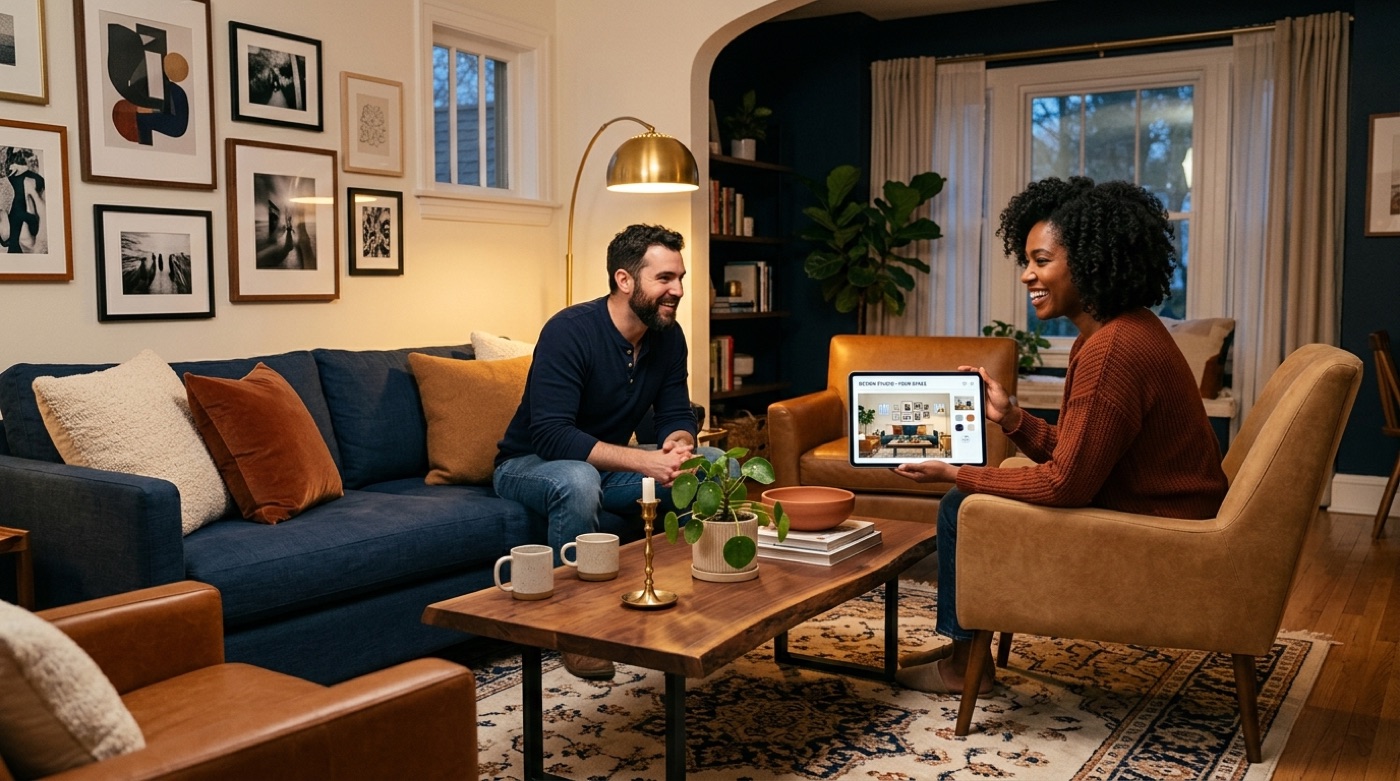
AI living room design means uploading a photo of your living room and letting an algorithm read the geometry and contents of the space — a process some tools brand “Smart Layout Recognition” — before generating a new version of the room with different furniture, colors, lighting and decor. You’ll see it called by a handful of names: AI room designer, AI room decorator, virtual living room design, or simply an AI room planner. Whatever the label, the mechanics are the same: a photo goes in, a redesign comes out, and the underlying logic borrows heavily from the same principles trained interior design practitioners have used for decades — balance, proportion, and function guiding form.
How the AI actually “sees” your room
The detection step is what separates a real AI room designer from a generic image filter. The software identifies walls, windows, lighting angles and furniture placement in your uploaded photo, then works from that structural map rather than guessing. You typically upload a single photo (no floor plan required), select a style, and the tool renders one to four variations in one click. A quick redesign can move fast: roughly 10 seconds to snap the photo, 5 seconds to pick a style, and about 30 seconds for the AI to generate the finished image.
Why people are switching to AI first
Before booking a consultation with a professional, more homeowners are starting with an AI pass. A few reasons keep coming up:
- Speed — a redesign appears in about 30 seconds instead of weeks of back-and-forth with a designer
- Cost — free to roughly $10-30/month, versus $2,000-8,000 per room for a human interior designer
- Risk-free experimentation — you can try a dozen styles on the same photo without touching a single piece of furniture
- Photorealistic preview — you see the actual result before spending money on paint or furniture
- No software skills needed — upload a photo, pick a style, done
Scale gives a sense of how mainstream this has become: RoomGPT alone reports being used by over 4 million people, while DecorAI cites over 2 million homeowners using AI interior design tools.
How to Design Your Living Room with AI: Step by Step
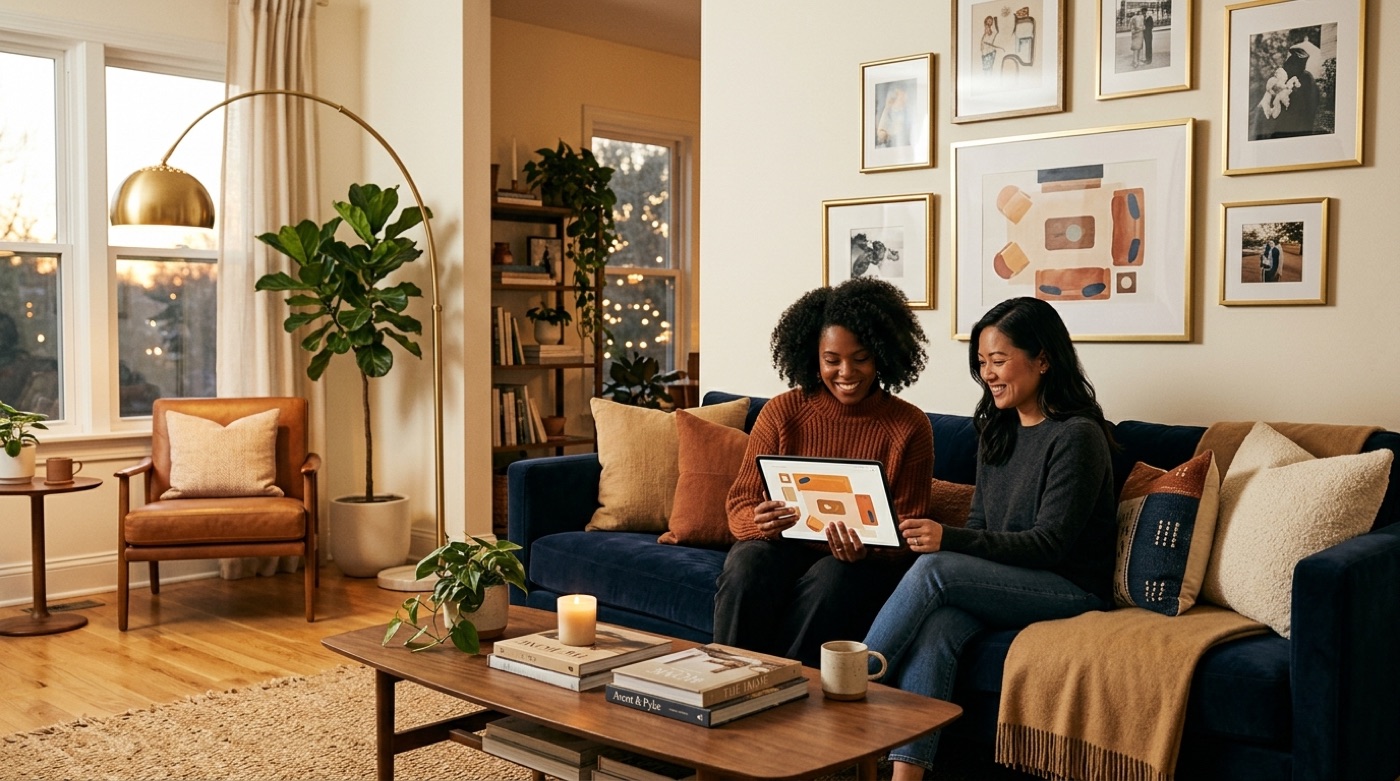
Every AI room design tool — including ai living room designer chat-based tools like homivo — runs on roughly the same underlying workflow, even if the interface looks different from one product to the next.
The 5-step workflow
- Upload a photo or floor plan of your living room. The AI detects walls, windows and existing furniture automatically.
- Select the room type and a design style. Choose “living room” and pick from styles such as Scandinavian, mid-century modern or industrial.
- Let the AI generate options. Most tools offer a “shuffle” or regenerate button so you can cycle through layouts until one clicks.
- Customize with your own prompt. Get specific — “caramel-colored sofa” or “cloud-shaped pendant light” — and the AI folds it into the next render.
- Visualize and download. Some tools stop at a 2D image; others let you flip between 2D, 3D and VR walkthroughs before you save the result.
A free chat-based assistant like homivo essentially compresses steps 2 through 4 into a conversation — you describe what you want in plain language and get layout, color and decor ideas back without uploading anything to a paid subscription.
Tips for a photo the AI will love
The quality of the redesign depends heavily on the quality of the input photo. Before uploading:
- Shoot during the day, using natural light rather than overhead lamps
- Stand in a doorway or corner so the whole room — not just one wall — is in frame
- Clear away small clutter so the AI can read the room’s actual structure
- Hold the camera at chest height for the most natural, representative angle
Best AI Tools for Living Room Design (Compared)
The market for AI room design tools is crowded, and pricing and style counts vary a lot from one product to the next. Here’s an honest side-by-side, including where a free assistant like homivo fits in.
| Tool | Free tier | Styles | Best for | Living-room note |
|---|---|---|---|---|
| homivo | Free AI chat assistant | Guided by conversation | Quick living-room layout & color ideas | No photo upload required, chat-based |
| RoomGPT | Free / unlimited | ~25-35 style themes | Fast photo-to-redesign | Used by 4M+ people |
| Home Design AI | Free, no signup | 12+ styles | No-login quick tries | Smart Layout Recognition detects walls/windows |
| Canva AI Interior Styler | Paid credits only | 30+ styles | Designers wanting polish tools | Redesign, virtual staging & sketch-to-render modes |
| Planner 5D | Free 2D/3D | Template-based, layout-first | Precise floor plans & VR | AI Floor Plan Recognition + VR walkthroughs |
| Decoratly | Free, 2 rooms / 6 redesigns | 3 free, 85+ on Pro | No-login quick comparisons | ~30-second redesigns, no watermark |
Where homivo fits
homivo is built specifically around the living room, not “any room.” Instead of uploading a photo to a stranger’s server and burning through paid credits, you ask a free AI assistant directly — for layout ideas, a color direction, or a lighting plan — and get answers in a conversation. It’s less about a single photorealistic render and more about getting to a confident decision faster, with no subscription required to start.
Furniture Layout: Let AI Arrange the Room
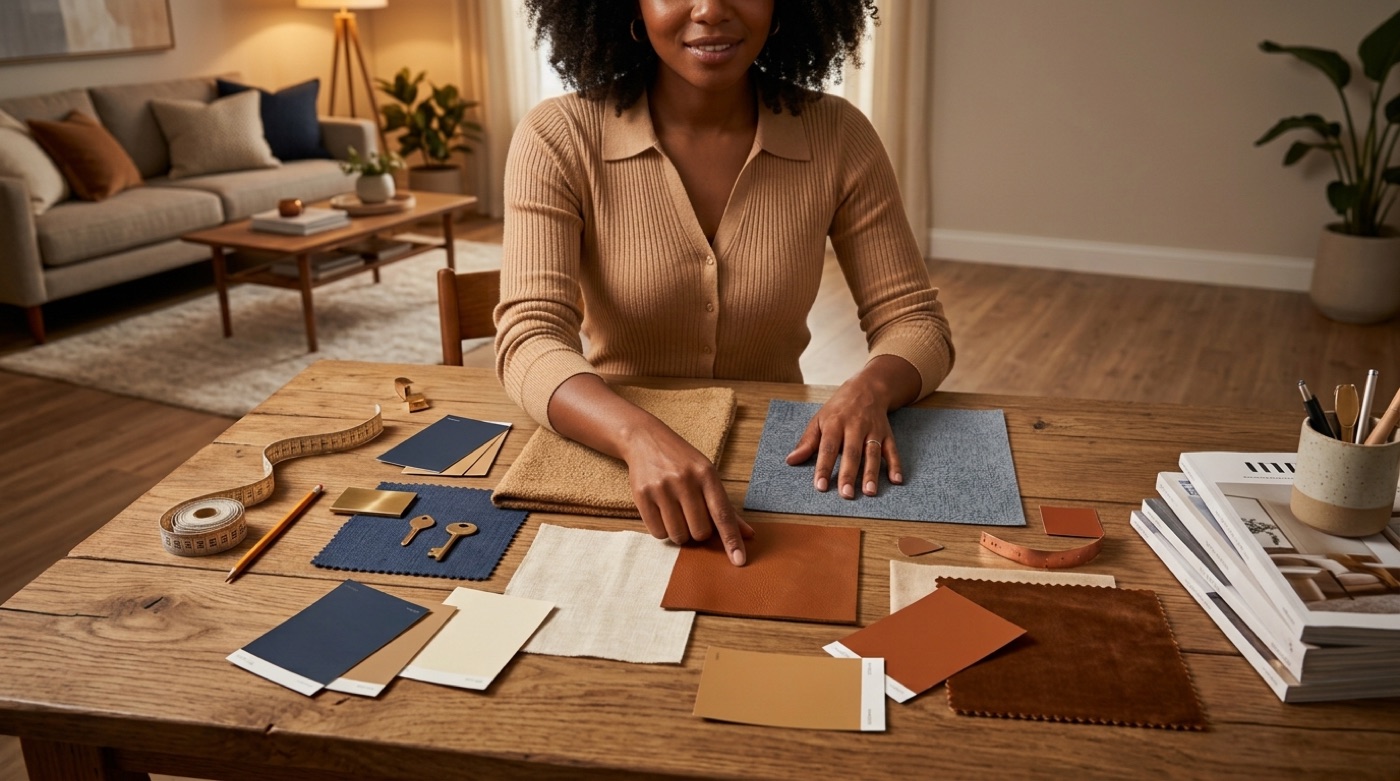
Furniture layout is where most living rooms go wrong, and it’s also where AI room design tools earn their keep — they apply spatial-flow rules automatically, the same rules a trained designer would use, so a floating sofa or awkward corner sectional gets caught before you buy it. It helps to know the rules the AI is actually following, so you can sanity-check any suggestion, whether it comes from a photo-upload tool or from design my living room with ai style guidance in a chat.
The layout rules AI follows
- Pull furniture 6-12 inches away from the walls instead of pushing everything flush against them
- Leave at least 30 inches of clear walking space around seating
- Size the coffee table to roughly two-thirds the length of the sofa
- Arrange seating in a rough circle or square to create a conversation zone
- Anchor the layout to one focal point — usually the TV or a fireplace
Room-size vs. layout guidance
| Room size | Recommended seating | Layout tip |
|---|---|---|
| Small (approx. 12×12 ft) | 60-inch loveseat + 2 accent chairs | Skip floating furniture; keep pieces closer to the walls to preserve floor space |
| Medium (approx. 12×14 ft) | 90-inch sectional along one wall | Anchor to the longest wall, then leave the center open for a rug and coffee table |
| Large / open-plan | Two sofas facing each other | Use a large area rug to visually zone the seating area away from dining or kitchen space |
Color Schemes & Palettes for Your Living Room
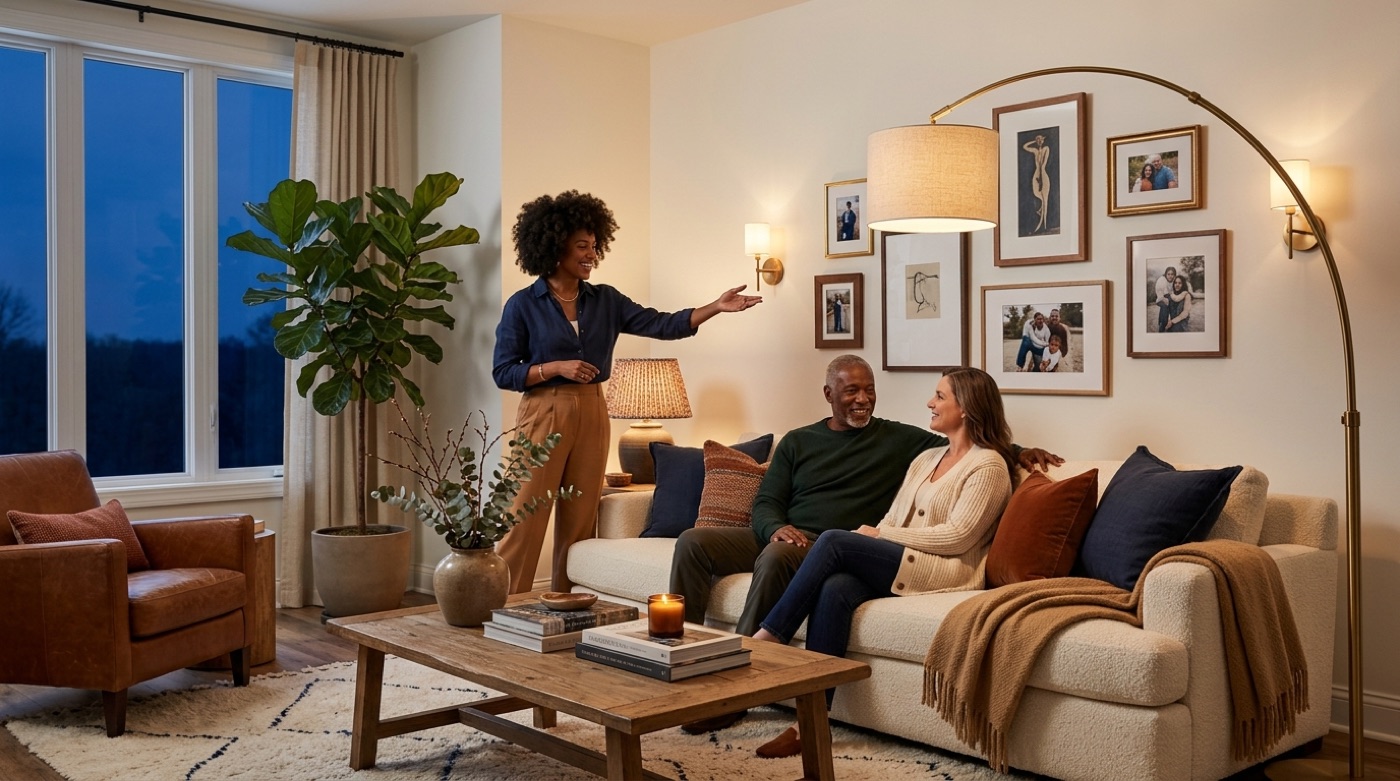
Color does more to set the mood of a living room than almost any other decision, and it’s usually the one homeowners agonize over most. An AI tool can suggest a palette based on your room’s style and light, but it helps to know which directions are actually holding up in 2025 — a topic paint authorities like Sherwin-Williams track closely with their annual color-of-the-year picks.
2025 living-room palettes that work
Four directions keep showing up in AI-generated living room redesigns and real makeovers alike:
| Style | Palette | Mood |
|---|---|---|
| Warm neutrals / greige | SW Accessible Beige, BM Revere Pewter | Timeless, works with any decor style |
| Moody darks | SW Naval, BM Hale Navy | Dramatic, needs strong natural light to avoid feeling cave-like |
| Biophilic greens | SW Clary Sage, BM Saybrook Sage | Calming, on-trend for 2025 |
| Soft blues | BM Palladian Blue, SW Sea Salt | Serene, spa-like, suits coastal-leaning rooms |
If you’re testing a dark or saturated wall color, generate the AI render first — it’s far cheaper than buying a gallon of paint and discovering the room feels smaller than expected.
Lighting & Decor: The Finishing Layers
Lighting and decor are what turn a rendered image into a room that actually feels like home. An AI tool will usually suggest fixtures and accents alongside the layout, but the underlying principle — layered lighting — is worth understanding on its own, since it’s what separates a flat, over-lit room from one with real depth.
Layered lighting in three levels
- Ambient — the room’s base light, usually a ceiling fixture or recessed lighting
- Task — focused light for specific activities, like a reading lamp next to an armchair
- Accent — mood lighting that highlights a feature, from Edison bulbs to under-shelf strip lighting
Decor on a real budget
You don’t need a full renovation budget to see a real difference. Rough ranges for common upgrades: paint runs $100-300, throw pillows $50-150, an area rug $150-500, curtains $50-200, and updated lighting $100-300. One documented dark-living-room makeover — new paint plus a lighter rug and updated lighting — came in at $800 total. Running the change through an AI tool first means you’re not guessing whether the navy accent wall or the new rug will actually work before you spend the money.
AI vs a Human Interior Designer
The honest comparison isn’t AI replacing a designer — it’s AI handling the part that used to cost the most time and money: exploring options. An AI tool returns a redesign in seconds for $0-30/month and lets you run through as many iterations as you want. A human interior designer takes 2-6 weeks for a first mockup and typically charges $2,000-8,000 per room, but delivers something AI can’t: actual sourcing, contractor coordination, and a trained eye for the details a photo doesn’t capture. For a deeper look at how different interior design styles translate into real rooms, Architectural Digest’s style coverage is a useful next stop once you’ve settled on a direction.
This is incredible, you don’t need an interior designer anymore.
Ade Dada, Startup Founder, RoomGPT user testimonial
The practical takeaway most homeowners land on: start with AI to narrow down a style and layout direction, then bring in a professional only if the project needs real construction, custom furniture or sourcing you can’t handle yourself.
Explore more living room design guides
- AI Living Room Layout: How to Arrange Your Furniture in Minutes
- How to Use AI for Living Room Furniture Arrangement: Measurements, Spacing Rules & Mistakes to Avoid
- AI Living Room Color Scheme: How to Choose a Palette That Actually Works
- Small Living Room AI Design: How to Lay Out, Furnish & Enlarge a Tiny Living Room With AI
- AI Living Room Styles: 9 Looks and How AI Restyles Your Room
- AI Living Room Paint Colors: Preview Any Shade on Your Own Walls Before You Buy
- AI Living Room Lighting Design: How to Layer Light Like a Pro
- AI Living Room Decor: Style Your Space Room by Room With AI
- RoomGPT for Living Room Design: How to Redesign Your Space with AI
- Free AI Living Room Design: How to Redesign Your Space Without Paying a Cent
- AI Living Room Design From a Photo: How It Works and How to Get a Great Result
- AI Virtual Staging for the Living Room: The Complete 2026 Guide
Frequently Asked Questions
- How do I design my living room with AI?
Upload a photo of your living room to an AI design tool, or ask a free assistant like homivo — choose a style, and you’ll get a furniture layout, color palette and decor suggestions back in seconds.
- Is there a free AI for living room design?
Yes. Home Design AI and Decoratly both offer free tiers with no signup, and homivo is a free AI assistant focused specifically on living room design.
- Can AI really arrange my furniture?
Yes — AI tools apply standard layout rules (6-12 inches of clearance from walls, at least 30 inches of walking space) and spatial-flow logic to suggest a workable arrangement for your room’s actual size.
- What is the best AI interior design tool?
It depends on the goal: RoomGPT is fast for a photo-based remake and has over 4 million users, Planner 5D is stronger for precise layouts and VR walkthroughs, and Canva offers 30+ styles. For quick living-room-specific ideas, homivo works well as a free starting point.
- How does AI choose a color scheme for a living room?
The AI analyzes the room’s existing style, light levels and furniture, then suggests a palette that fits — warm neutrals like SW Accessible Beige and biophilic greens are consistently popular choices.
- Can AI redesign a room from just a photo?
Yes. A single-photo upload is enough — the AI detects walls, windows and lighting, then renders a photorealistic result in about 30 seconds, and most tools let you compare several style variations side by side.